How To Share Access To Your YouTube Account
A step-by-step guide to securely granting Digital Clicks Manager access to your YouTube channel.
Overview
This guide shows you how to securely connect your YouTube channel with Digital Clicks by granting our team Manager access through YouTube Studio. This allows us to support your video advertising, account linking, uploads, and optimization while keeping you in control of your channel.
Before You Begin
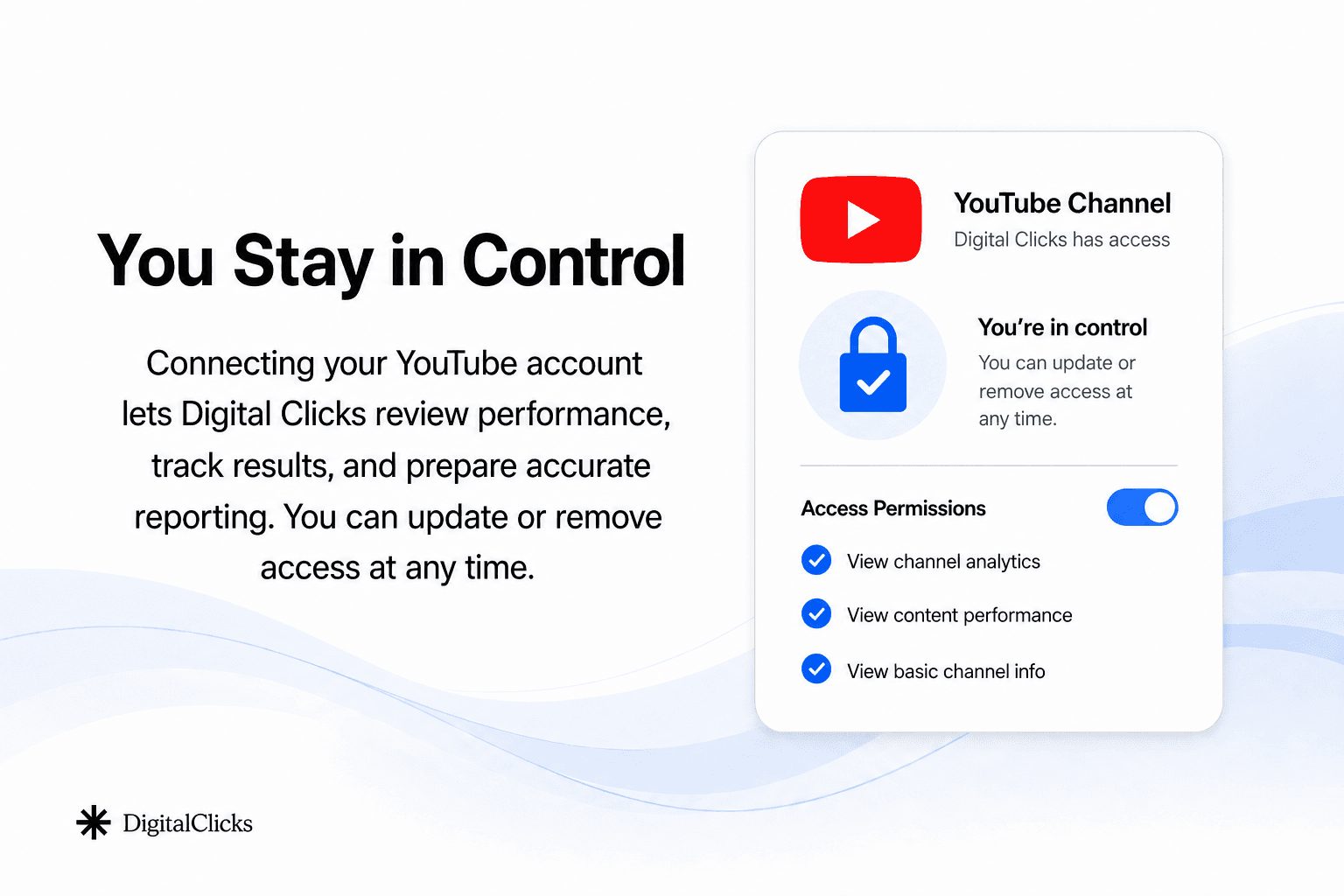
Before starting, make sure you are logged into the Google account that owns your YouTube channel.
You will need access to YouTube Studio, your Google password or 2-Step Verification device, and about 3 to 5 minutes to complete the invite.
Step 1: Open YouTube Studio Settings
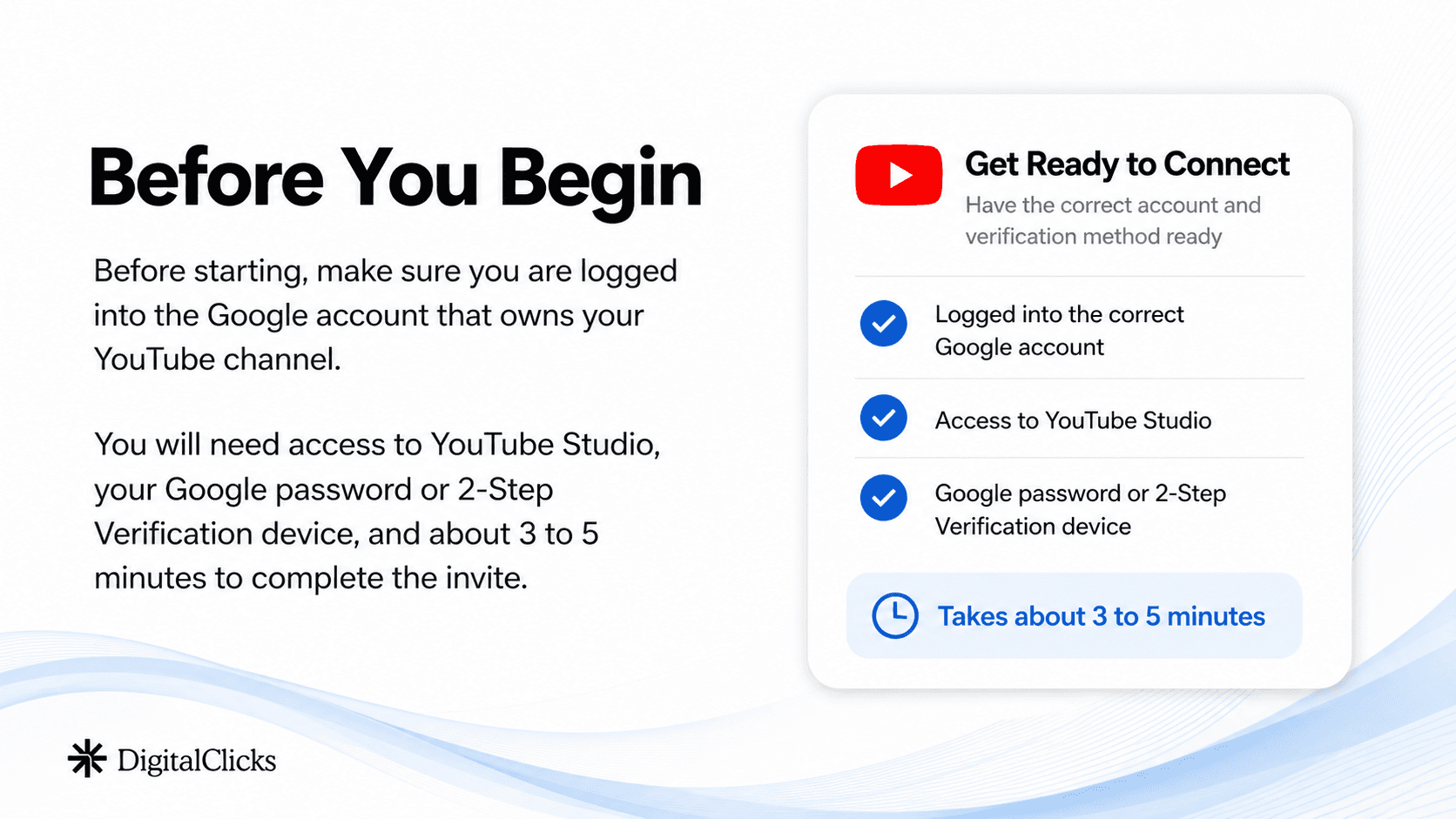
Go to studio.youtube.com and confirm you are inside the correct YouTube channel.
In the bottom-left corner, click the Settings gear icon.
If you manage more than one channel, double-check the channel name before continuing.
Step 2: Invite Digital Clicks
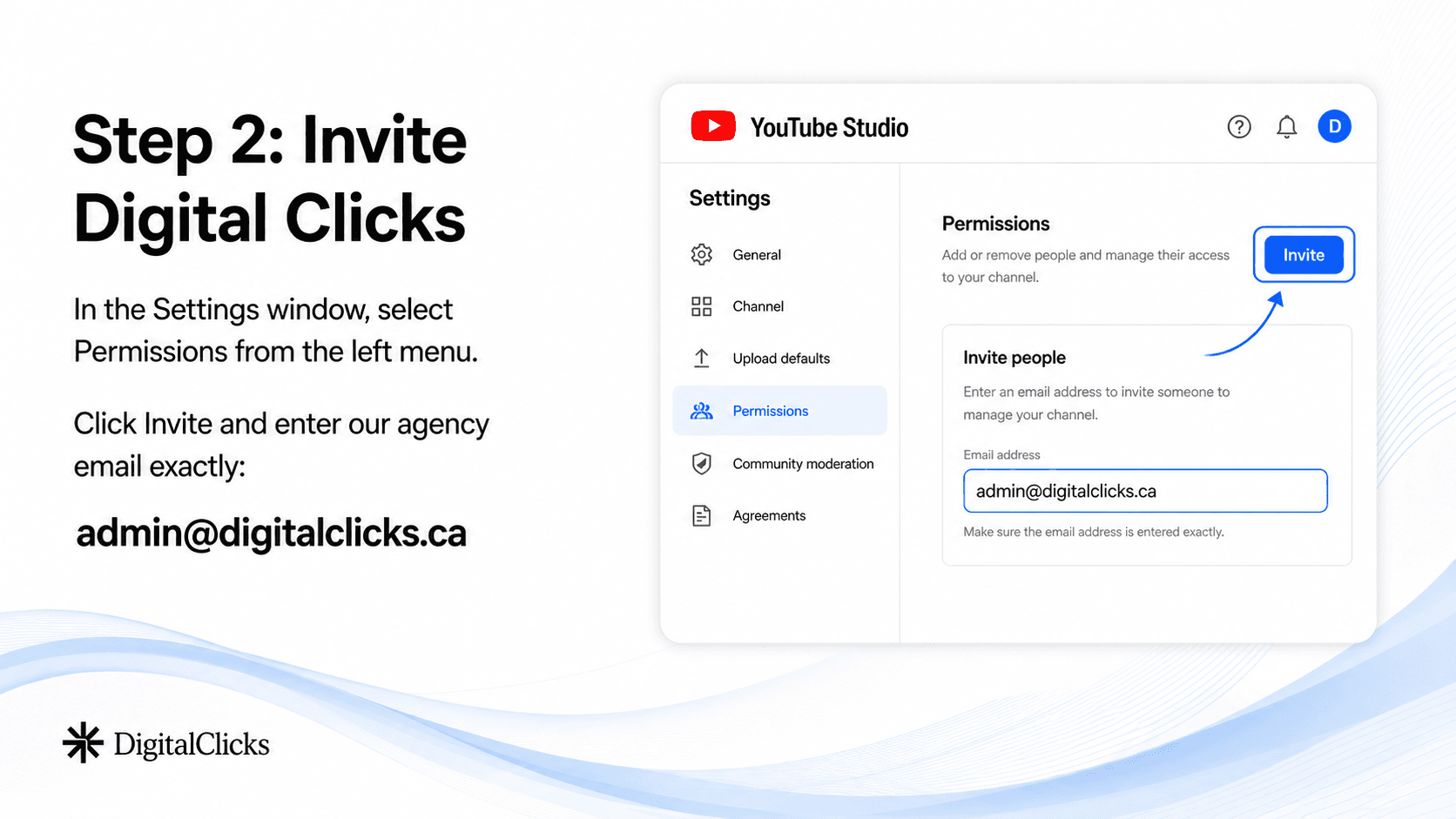
In the Settings window, select Permissions from the left menu.
Click Invite and enter our agency email exactly:
admin@digitalclicks.ca
Step 3: Select Manager Access
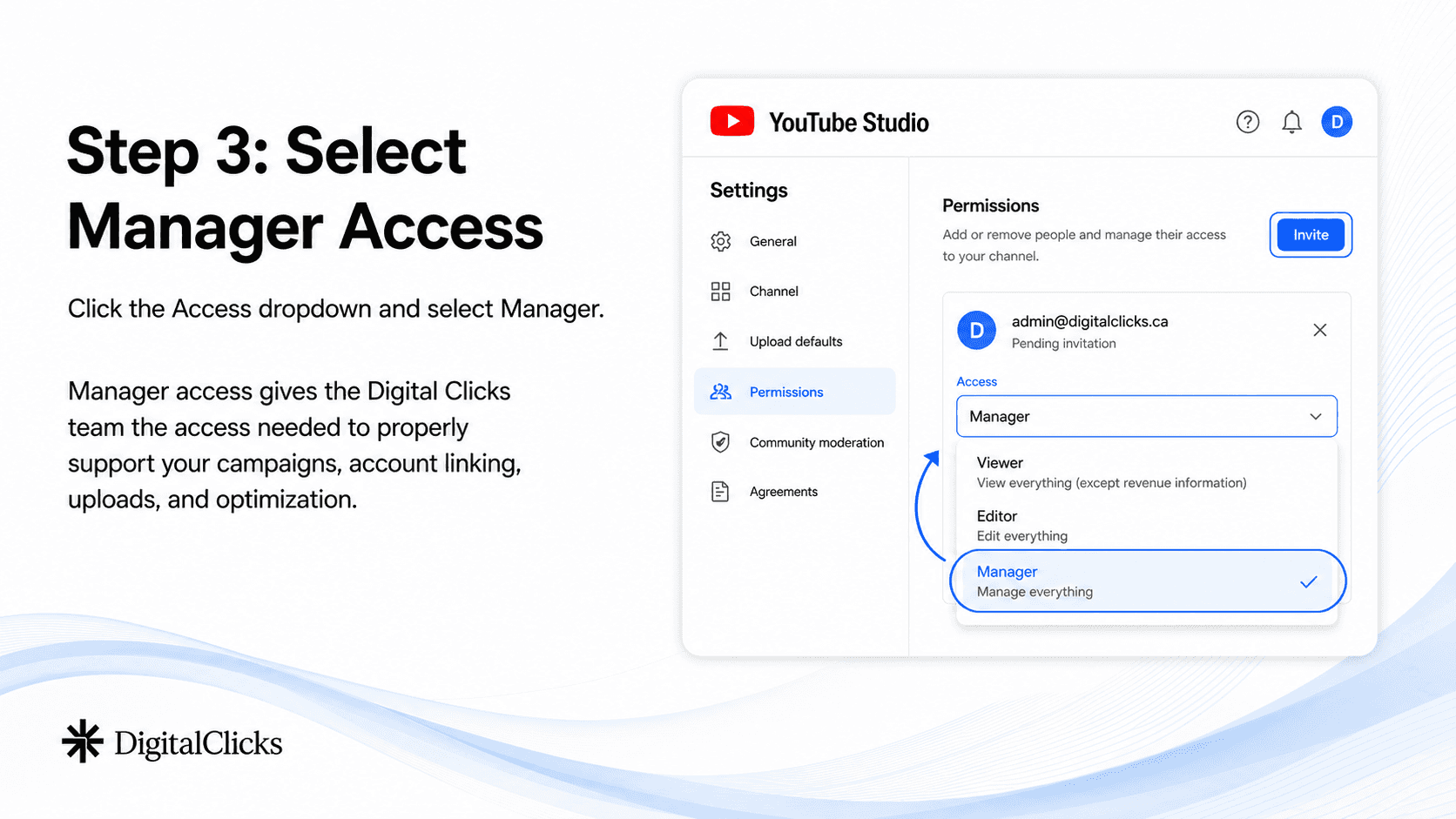
Click the Access dropdown and select Manager.
Manager access gives the Digital Clicks team the access needed to properly support your campaigns, account linking, uploads, and optimization.
Step 4: Save and Verify
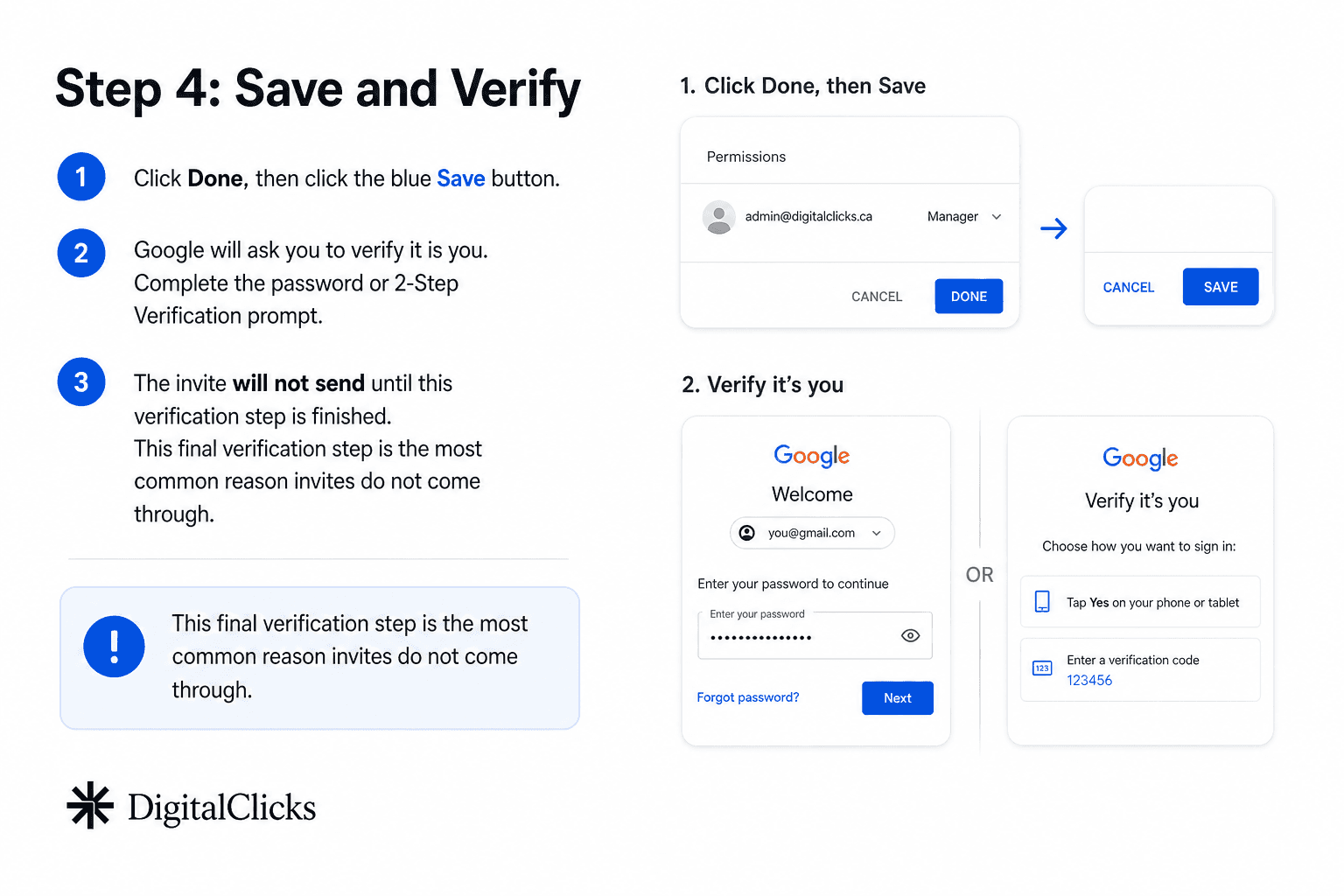
Click Done, then click the blue Save button.
Google will ask you to verify it is you. Complete the password or 2-Step Verification prompt.
The invite will not send until this verification step is finished. This final verification step is the most common reason invites do not come through.
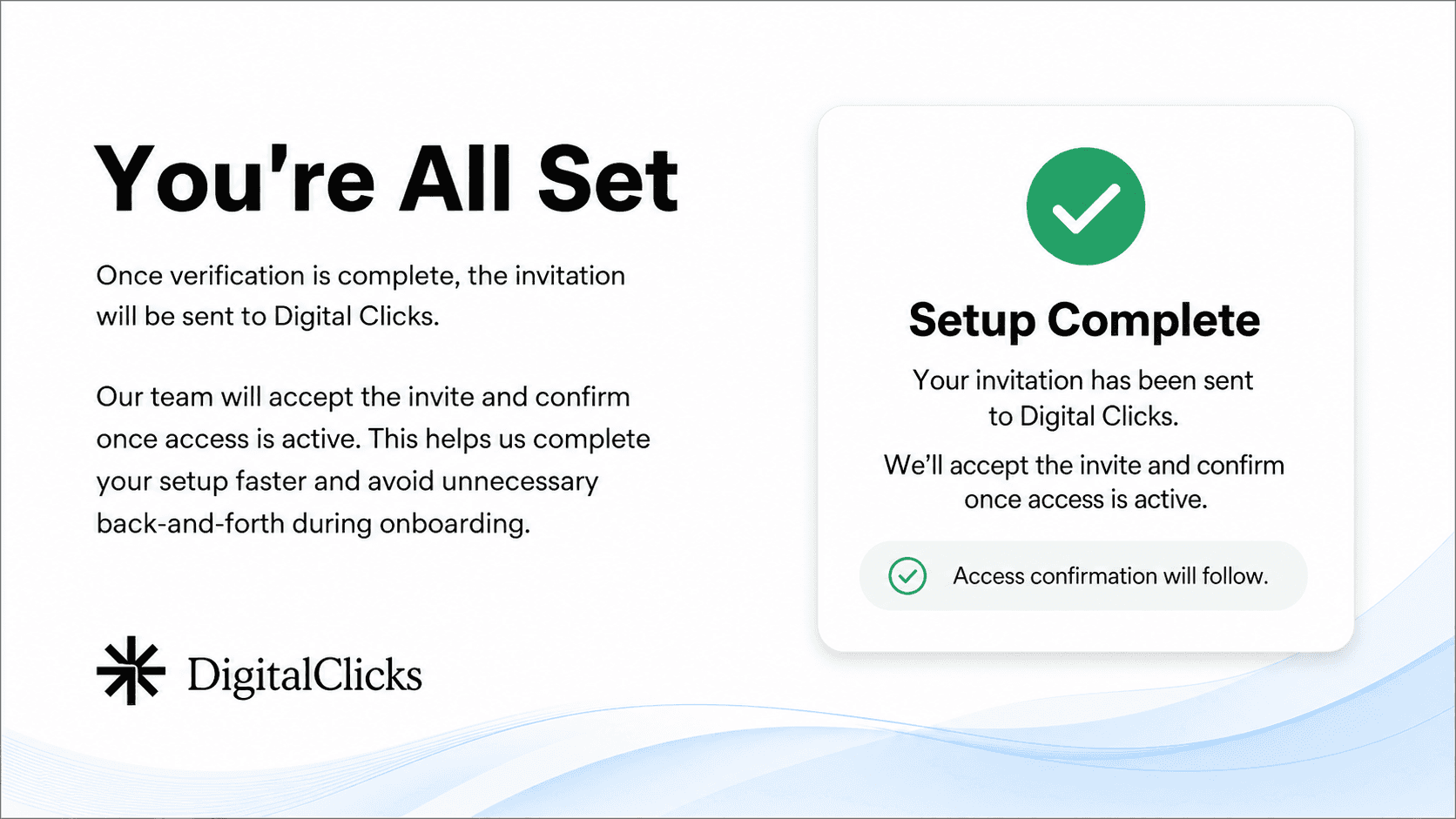
You’re All Set
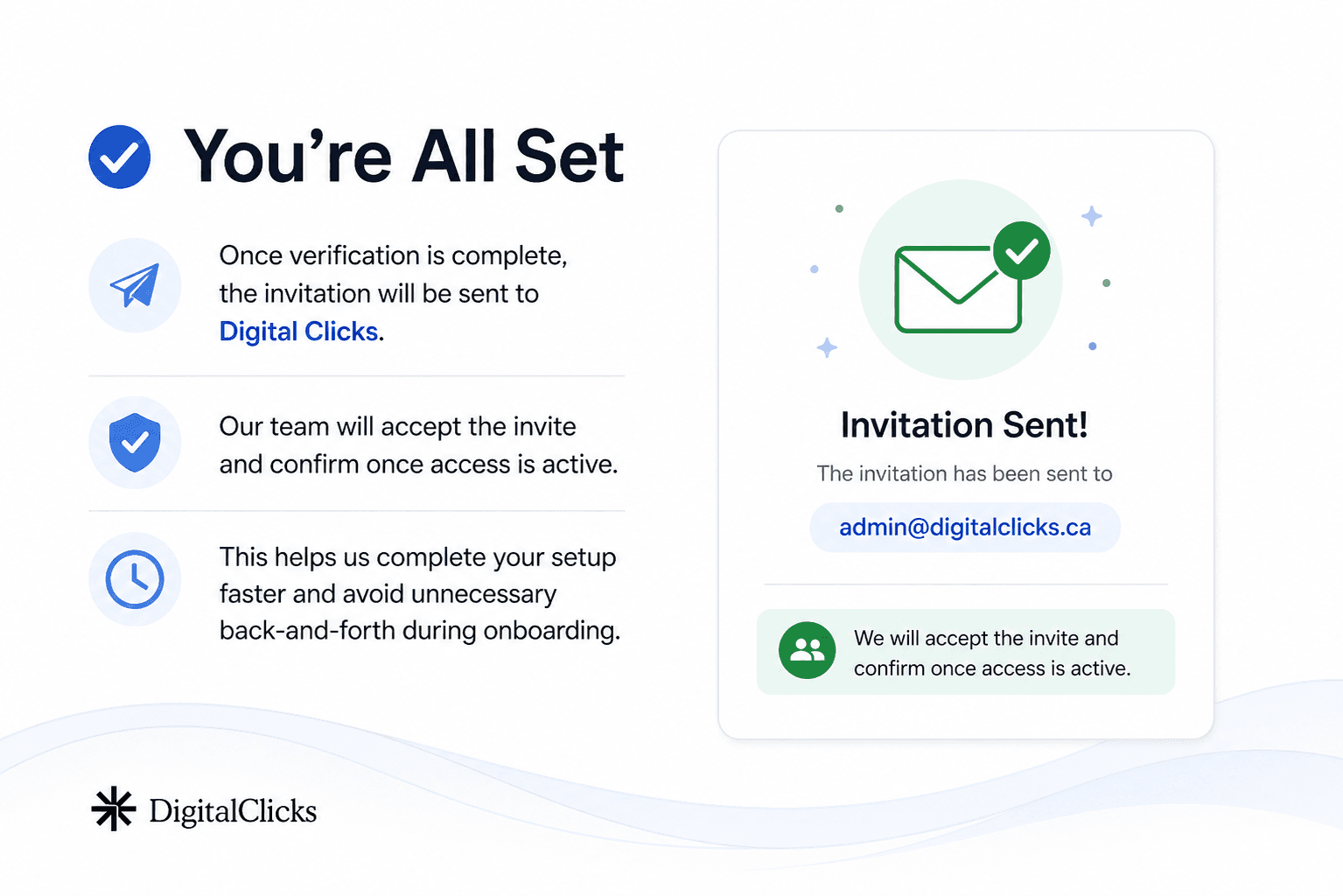
Once verification is complete, the invitation will be sent to Digital Clicks.
Our team will accept the invite and confirm once access is active. This helps us complete your setup faster and avoid unnecessary back-and-forth during onboarding.
You’re All Set
Once verification is complete, the invitation will be sent to Digital Clicks.
Our team will accept the invite and confirm once access is active. This helps us complete your setup faster and avoid unnecessary back-and-forth during onboarding.
Need Help?
If you run into any issues while completing these steps, our team is happy to help.
Email: admin@digitalclicks.ca
Phone: 1-877-926-2021
We’ll help you complete the setup and confirm once access is active.
by
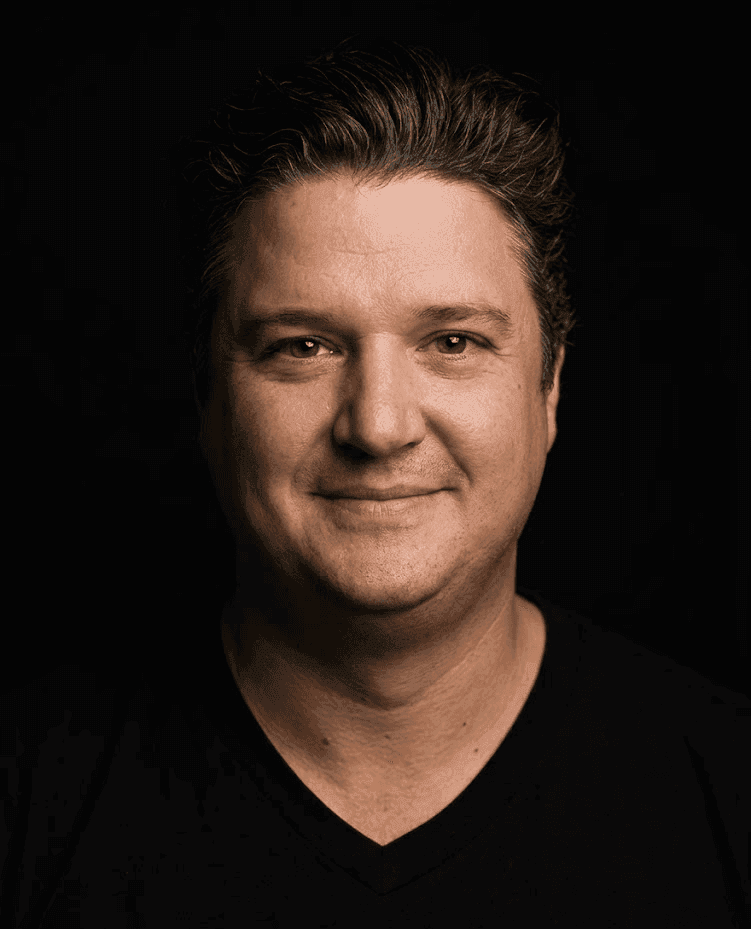
Scott Maloley
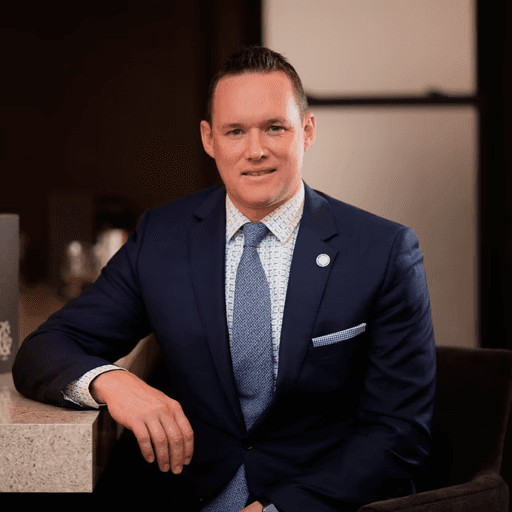
Scott Maloley is the President and Co-founder of Digital Clicks. A veteran strategist with over 15 years of real-world experience, Scott founded one of Canada’s first dedicated SEM agencies to help operators replace digital noise with revenue-driven clarity. He operates under a singular, disciplined thesis: marketing is math, not magic.
Follow me on:
Engineered Growth Solutions
Move beyond "button-pushing" with integrated SEM, SEO, and Analytics strategies built to scale your bottom line.
guides
Read more guides

Contact
25 Baseline Rd, W. Suite 14. London, ON
N6J 1V1 Canada.
1-877-926-2021
Hours: M–F, 9 AM–5 PM





Join 500+ Brands Scaling with Precision since 2010
For over 15 years, we’ve helped hundreds of businesses stop guessing and start growing. Join the partners who value bottom-line results over empty metrics.
FAQ
Scott Maloley
Founder @ Digital Clicks
Speak with us
Frequently Asked Questions
What types of businesses do you work with?
We work with growth-focused ecommerce brands, automotive dealerships and dealer groups, and small to mid-sized businesses across North America. Based in London, Ontario, we help clients on both sides of the border improve paid media performance, increase search visibility, and turn more traffic into revenue.
What marketing channels do you actually manage?
Are you an ecommerce agency or a performance marketing agency?
How do you decide whether to start with Google, Meta, TikTok, or SEO?
Can you help if we are already running ads, but performance is inconsistent?
Do you focus only on traffic, or also on conversions?
How do you measure success?
Will we keep control of our accounts and data?
What does onboarding look like?
How To Share Access To Your YouTube Account
A step-by-step guide to securely granting Digital Clicks Manager access to your YouTube channel.
Overview
This guide shows you how to securely connect your YouTube channel with Digital Clicks by granting our team Manager access through YouTube Studio. This allows us to support your video advertising, account linking, uploads, and optimization while keeping you in control of your channel.
Before You Begin
Before starting, make sure you are logged into the Google account that owns your YouTube channel.
You will need access to YouTube Studio, your Google password or 2-Step Verification device, and about 3 to 5 minutes to complete the invite.
Step 1: Open YouTube Studio Settings
Go to studio.youtube.com and confirm you are inside the correct YouTube channel.
In the bottom-left corner, click the Settings gear icon.
If you manage more than one channel, double-check the channel name before continuing.
Step 2: Invite Digital Clicks
In the Settings window, select Permissions from the left menu.
Click Invite and enter our agency email exactly:
admin@digitalclicks.ca
Step 3: Select Manager Access
Click the Access dropdown and select Manager.
Manager access gives the Digital Clicks team the access needed to properly support your campaigns, account linking, uploads, and optimization.
Step 4: Save and Verify
Click Done, then click the blue Save button.
Google will ask you to verify it is you. Complete the password or 2-Step Verification prompt.
The invite will not send until this verification step is finished. This final verification step is the most common reason invites do not come through.
You’re All Set
Once verification is complete, the invitation will be sent to Digital Clicks.
Our team will accept the invite and confirm once access is active. This helps us complete your setup faster and avoid unnecessary back-and-forth during onboarding.
You’re All Set
Once verification is complete, the invitation will be sent to Digital Clicks.
Our team will accept the invite and confirm once access is active. This helps us complete your setup faster and avoid unnecessary back-and-forth during onboarding.
Need Help?
If you run into any issues while completing these steps, our team is happy to help.
Email: admin@digitalclicks.ca
Phone: 1-877-926-2021
We’ll help you complete the setup and confirm once access is active.
by
Scott Maloley
Scott Maloley is the President and Co-founder of Digital Clicks. A veteran strategist with over 15 years of real-world experience, Scott founded one of Canada’s first dedicated SEM agencies to help operators replace digital noise with revenue-driven clarity. He operates under a singular, disciplined thesis: marketing is math, not magic.
Follow me on:
Engineered Growth Solutions
Move beyond "button-pushing" with integrated SEM, SEO, and Analytics strategies built to scale your bottom line.
guides
Read more guides
Join our LIST
Contact
grow@digitalclicks.ca
25 Baseline Rd, W. Suite 14. London, ON
N6J 1V1 Canada.
1-877-926-2021
Hours: M–F, 9 AM–5 PM
Join 500+ Brands Scaling with Precision since 2010
For over 15 years, we’ve helped hundreds of businesses stop guessing and start growing. Join the partners who value bottom-line results over empty metrics.
FAQ
Frequently Asked Questions
What types of businesses do you work with?
We work with growth-focused ecommerce brands, automotive dealerships and dealer groups, and small to mid-sized businesses across North America. Based in London, Ontario, we help clients on both sides of the border improve paid media performance, increase search visibility, and turn more traffic into revenue.
What marketing channels do you actually manage?
Are you an ecommerce agency or a performance marketing agency?
How do you decide whether to start with Google, Meta, TikTok, or SEO?
Can you help if we are already running ads, but performance is inconsistent?
Do you focus only on traffic, or also on conversions?
How do you measure success?
Will we keep control of our accounts and data?
What does onboarding look like?
How To Share Access To Your YouTube Account
A step-by-step guide to securely granting Digital Clicks Manager access to your YouTube channel.
Overview
This guide shows you how to securely connect your YouTube channel with Digital Clicks by granting our team Manager access through YouTube Studio. This allows us to support your video advertising, account linking, uploads, and optimization while keeping you in control of your channel.
Before You Begin
Before starting, make sure you are logged into the Google account that owns your YouTube channel.
You will need access to YouTube Studio, your Google password or 2-Step Verification device, and about 3 to 5 minutes to complete the invite.
Step 1: Open YouTube Studio Settings
Go to studio.youtube.com and confirm you are inside the correct YouTube channel.
In the bottom-left corner, click the Settings gear icon.
If you manage more than one channel, double-check the channel name before continuing.
Step 2: Invite Digital Clicks
In the Settings window, select Permissions from the left menu.
Click Invite and enter our agency email exactly:
admin@digitalclicks.ca
Step 3: Select Manager Access
Click the Access dropdown and select Manager.
Manager access gives the Digital Clicks team the access needed to properly support your campaigns, account linking, uploads, and optimization.
Step 4: Save and Verify
Click Done, then click the blue Save button.
Google will ask you to verify it is you. Complete the password or 2-Step Verification prompt.
The invite will not send until this verification step is finished. This final verification step is the most common reason invites do not come through.
You’re All Set
Once verification is complete, the invitation will be sent to Digital Clicks.
Our team will accept the invite and confirm once access is active. This helps us complete your setup faster and avoid unnecessary back-and-forth during onboarding.
You’re All Set
Once verification is complete, the invitation will be sent to Digital Clicks.
Our team will accept the invite and confirm once access is active. This helps us complete your setup faster and avoid unnecessary back-and-forth during onboarding.
Need Help?
If you run into any issues while completing these steps, our team is happy to help.
Email: admin@digitalclicks.ca
Phone: 1-877-926-2021
We’ll help you complete the setup and confirm once access is active.
by
Scott Maloley
Scott Maloley is the President and Co-founder of Digital Clicks. A veteran strategist with over 15 years of real-world experience, Scott founded one of Canada’s first dedicated SEM agencies to help operators replace digital noise with revenue-driven clarity. He operates under a singular, disciplined thesis: marketing is math, not magic.
Follow me on:
Engineered Growth Solutions
Move beyond "button-pushing" with integrated SEM, SEO, and Analytics strategies built to scale your bottom line.
guides
Read more guides
Join our LIST
Contact
25 Baseline Rd, W. Suite 14. London, ON
N6J 1V1 Canada.
1-877-926-2021
Hours: M–F, 9 AM–5 PM
Join 500+ Brands Scaling with Precision since 2010
For over 15 years, we’ve helped hundreds of businesses stop guessing and start growing. Join the partners who value bottom-line results over empty metrics.
FAQ
Frequently Asked Questions
What types of businesses do you work with?
We work with growth-focused ecommerce brands, automotive dealerships and dealer groups, and small to mid-sized businesses across North America. Based in London, Ontario, we help clients on both sides of the border improve paid media performance, increase search visibility, and turn more traffic into revenue.